




How To's
/
How to add a product collection to a blog post in Shopify?
How to add a product collection to a blog post in Shopify?
Learn how to add collections to blog posts in Shopify
3 min read
Beside embedding a product, or a group of products, and you can also display collections in your blog posts in Shopify with vevy.ai's Blog Builder.
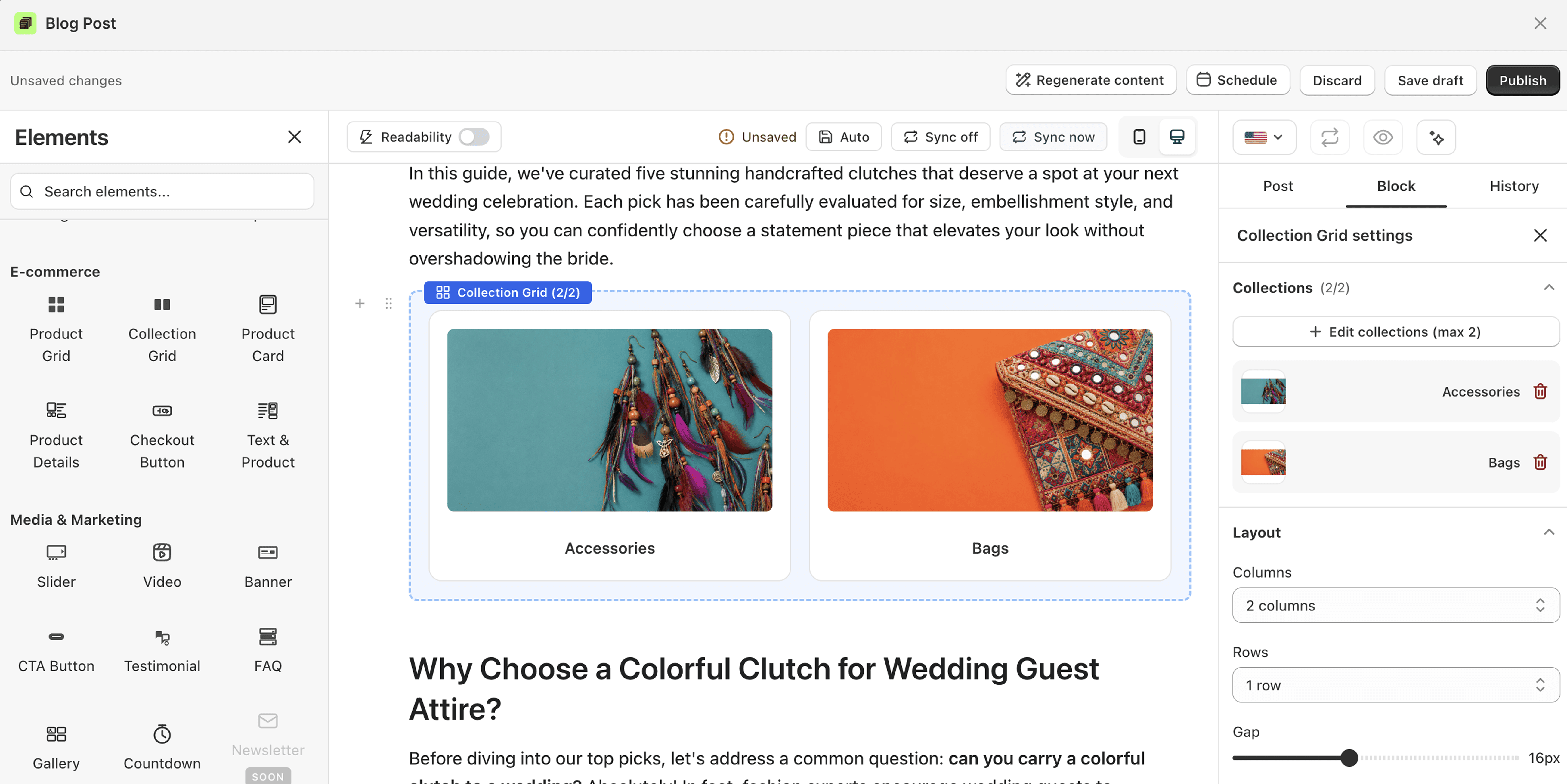
To add the product collections to the posts made in Shopify's own blog editor, you just need to sync the post first on the vevy.ai's dashboard:

How to add a collection to a Shopify blog post
Open your post in the Blog Builder.
In the Elements panel, open E-commerce and find Collection Grid.
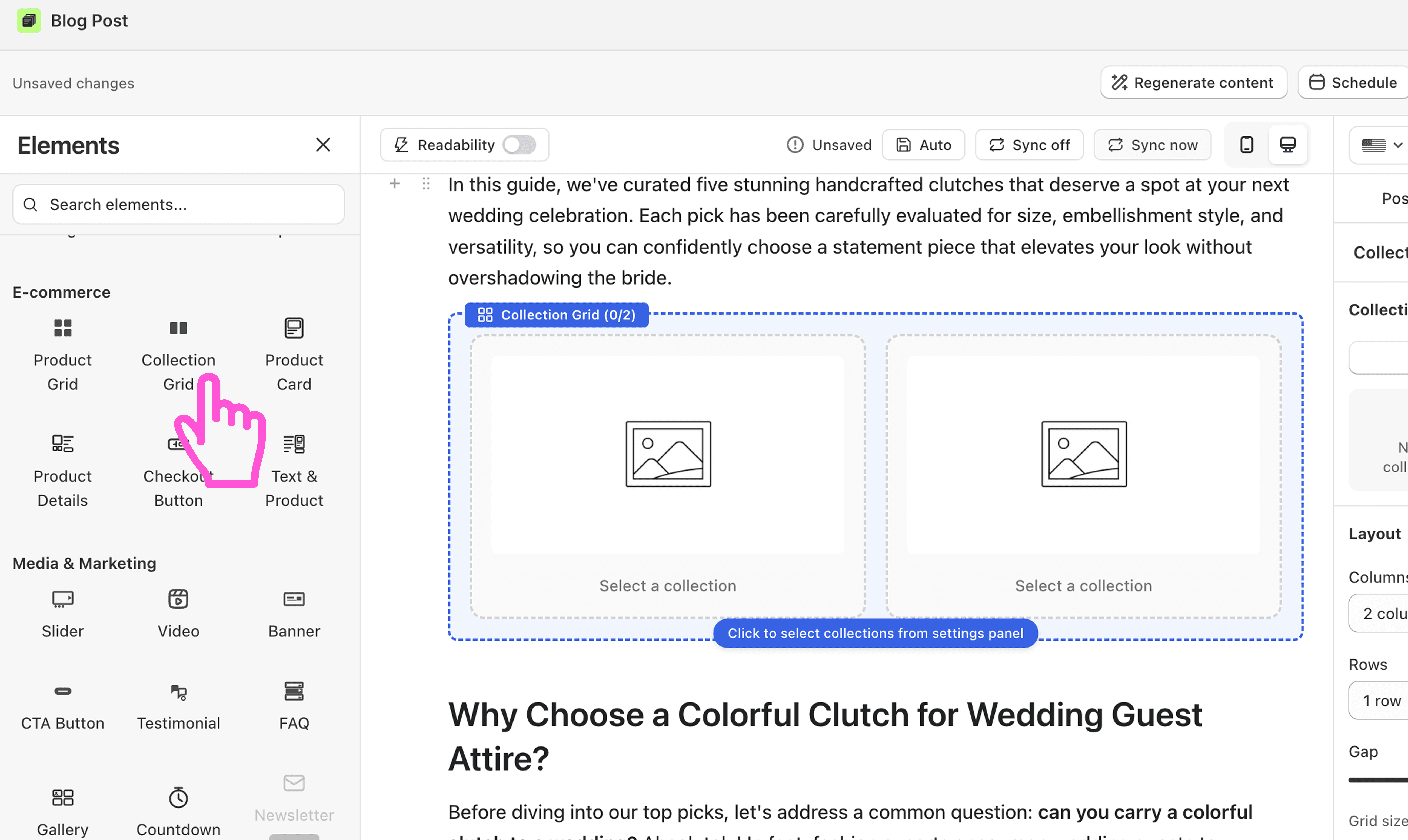
Drag the block into your post.
Click it to open its settings on the right.
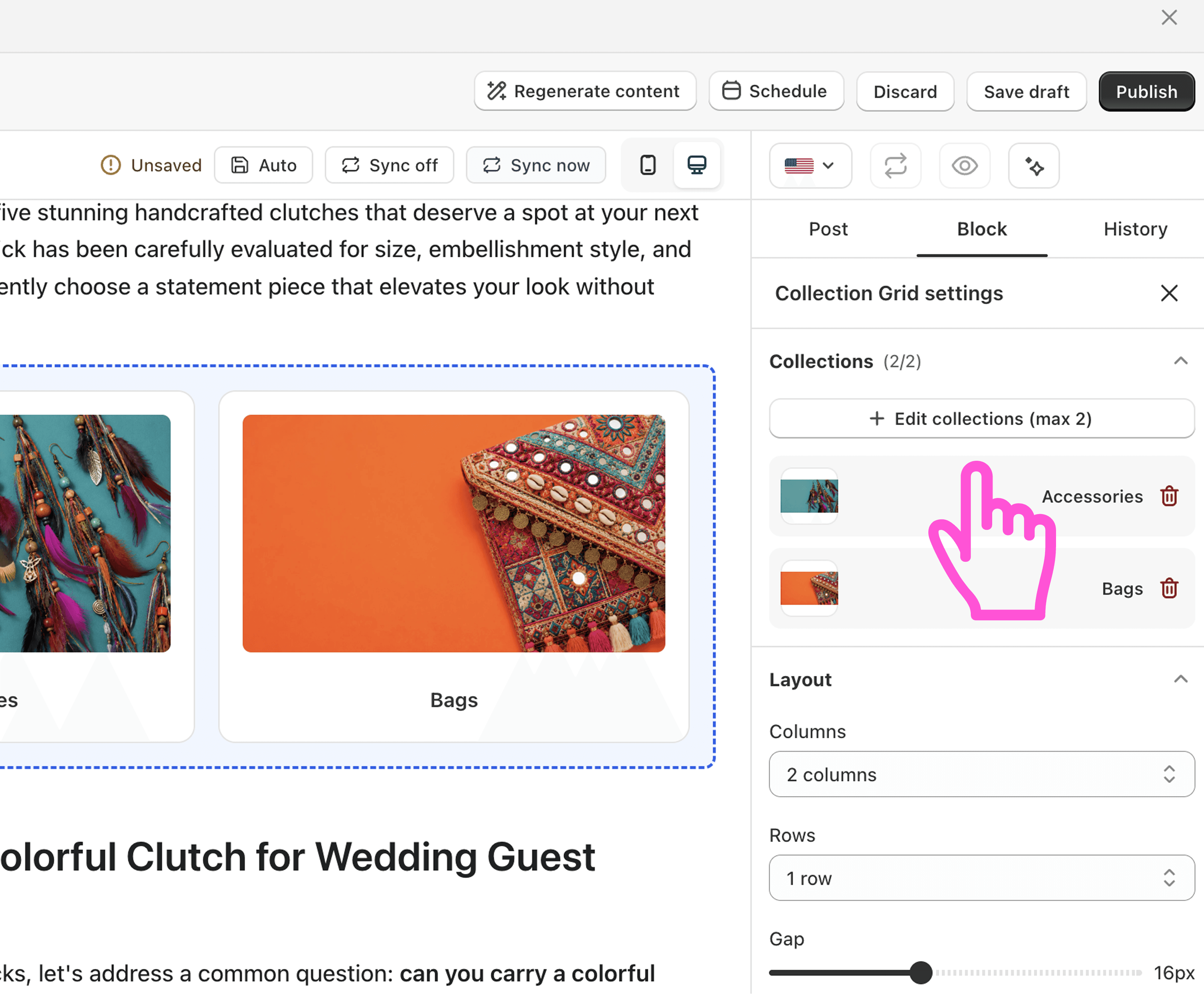
Click Select collections and choose up to two collections.
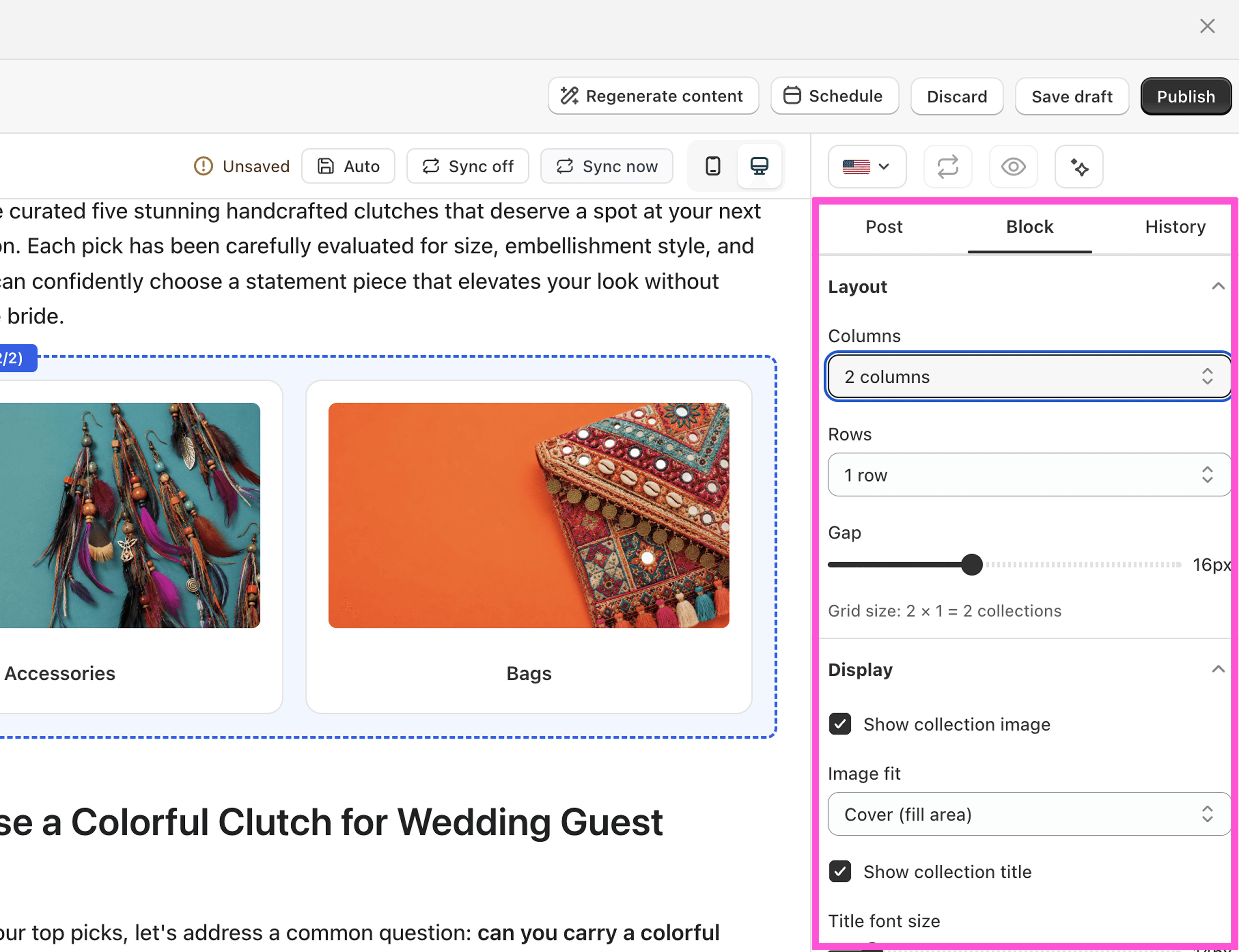
Set the columns, rows, and gap.
Choose to show the collection image, title, and description.
Save or publish.
What you can customize
Up to 2 collections per block
Columns, rows, and gap
Show or hide image, title, and description
Title font size and image fit
FAQ
How many collections can I show? Up to two in one Collection Grid block.
What's the difference between a product grid and a collection grid? A product grid shows single products. A collection grid links to whole categories.