




How To's
/
How to embed X (Twitter) posts to a blog post in Shopify?
How to embed X (Twitter) posts to a blog post in Shopify?
Learn how to embed an X post - Tweet to a blog post in Shopify
3 min read
vevy.ai is an AI blog app for Shopify. It helps merchants write blog posts with AI, fully customize blog posts, and track how those posts drive traffic and sales with advanced analytics. In the vevy.ai's drag and drop blog editor, you can add content blocks to your blog posts, including social media embeds like X (Twitter) posts.
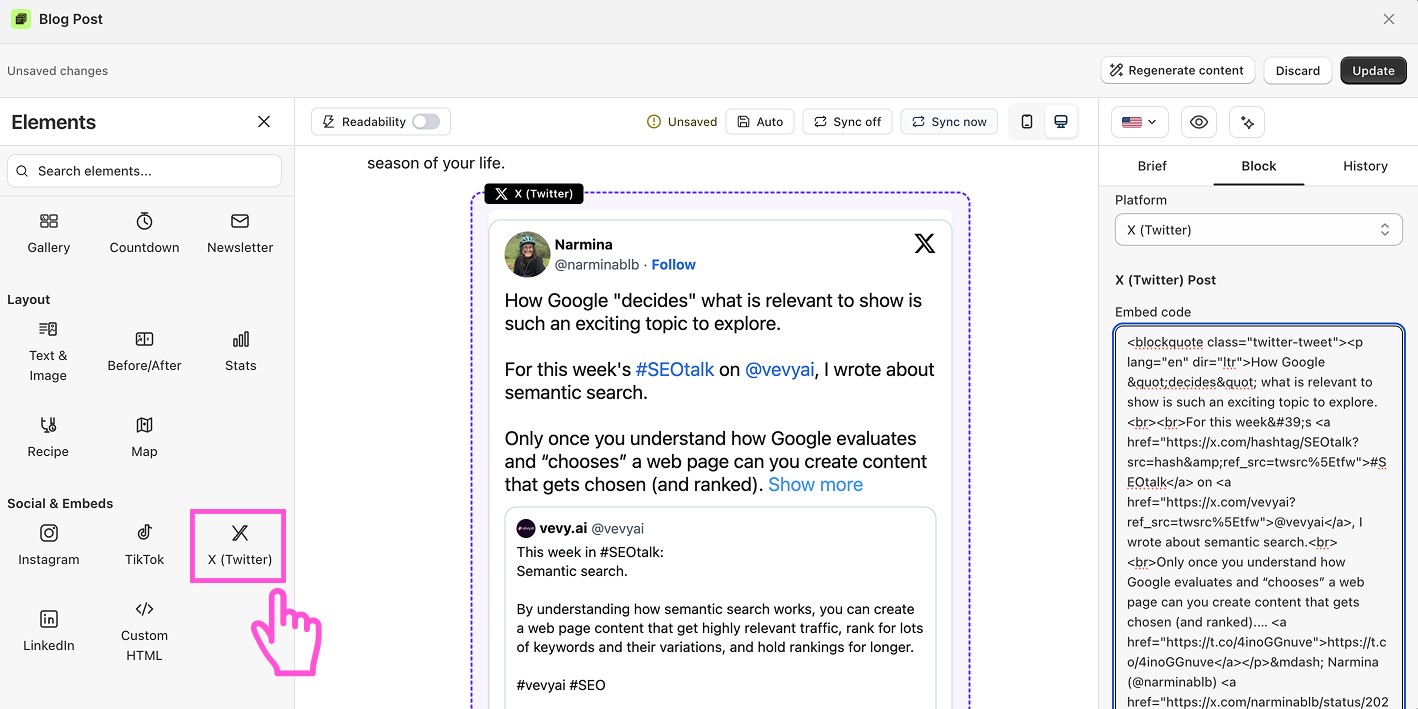
How to embed an X (Twitter) post in a Shopify blog
To embed an X (Twitter) post - tweet to a Shopify blog post, open a blog post with vevy.ai's blog editor, drag the X (Twitter) block into the place you like, then paste the post's embed code to the block and save. The post then shows X post (tweet) live inside your blog.
In your Shopify admin, navigate to vevy.ai app
Open your post in the vevy.ai Blog Builder.
In the Elements panel, open Social & Embeds and find X (Twitter).
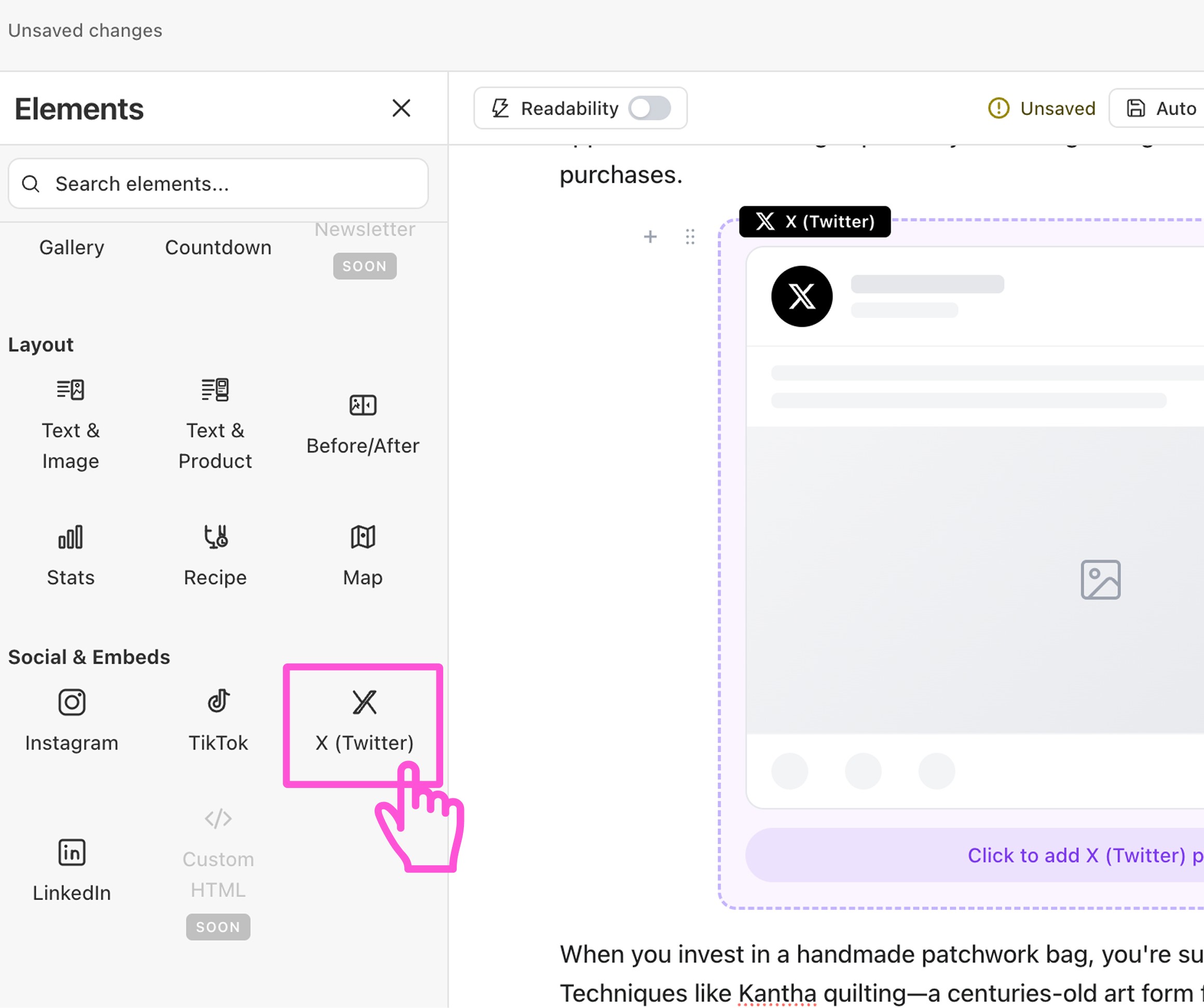
Drag the block into your post (where you want!).
Click the block to open its settings on the right.
On X, open the post you want. Click the ··· menu and choose Embed post. Copy the code.
Paste the embed code into the block.
Save or publish your post.