




How To's
/
How to embed products to a blog post in Shopify?
How to embed products to a blog post in Shopify?
How to embed products to a blog post in Shopify with step-by-step guide
3 min read
vevy.ai lets you embed e-commerce elements like products into your Shopify blog posts.
This works for posts made in Shopify's own blog editor too. For this, you just need to sync the post first on the vevy.ai's dashboard:

Syncing blog posts add them to the vevy.ai's dashboard, so you can add products and other e-commerce blocks with the Blog Builder, even if the post wasn't created in vevy.ai.
How to embed a product in a blog post in Shopify?
Open your blog post in vevy.ai's Blog Builder.
In the Elements panel on the left, open E-commerce. Pick Product Card for a compact look, or Product Details for full info with a buy button.
Drag the block into your post, right where you want it.
Click the block to open its settings on the right.
Click Select Product and choose a product from your Shopify store.
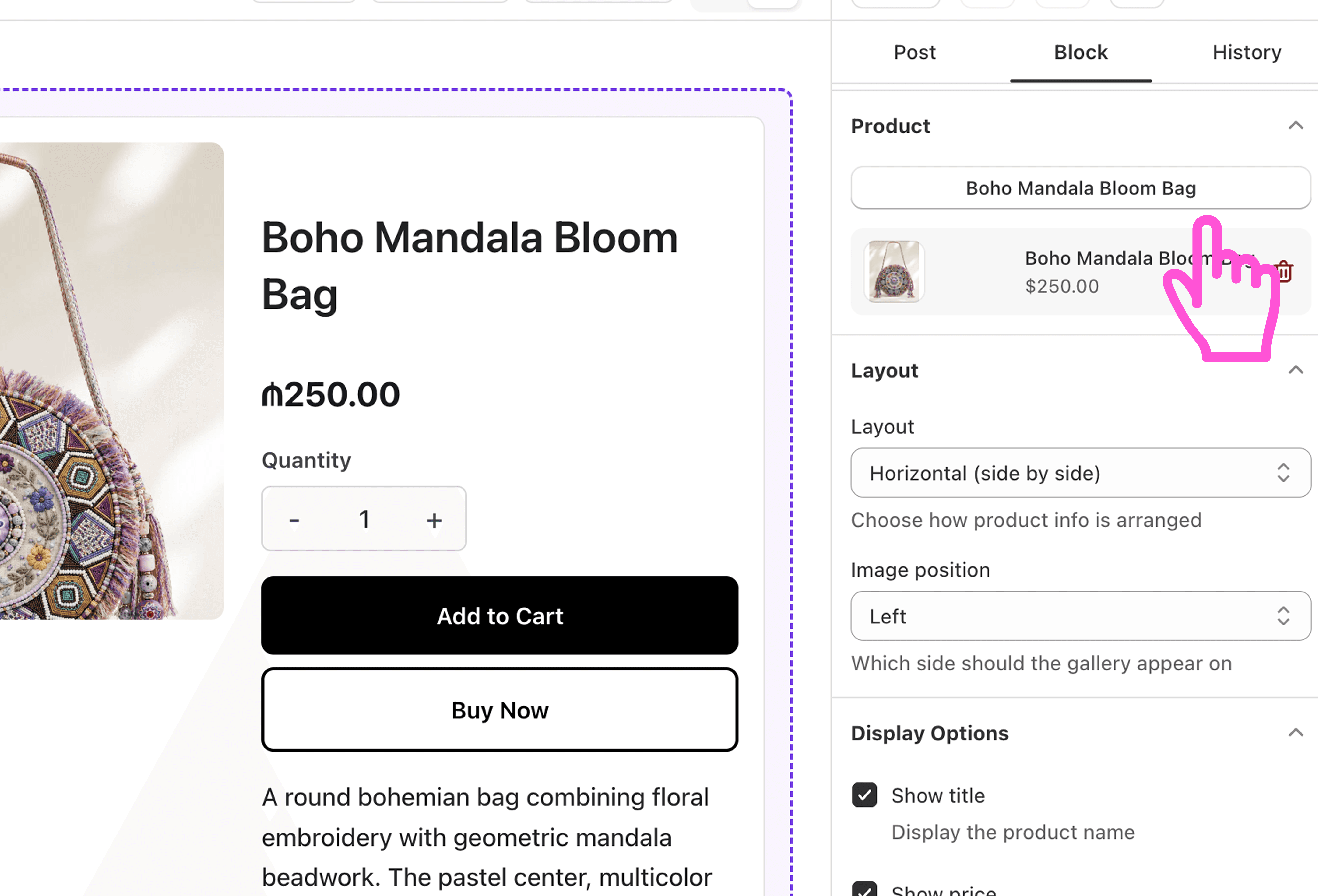
Customize the block
Click Save draft or Publish.
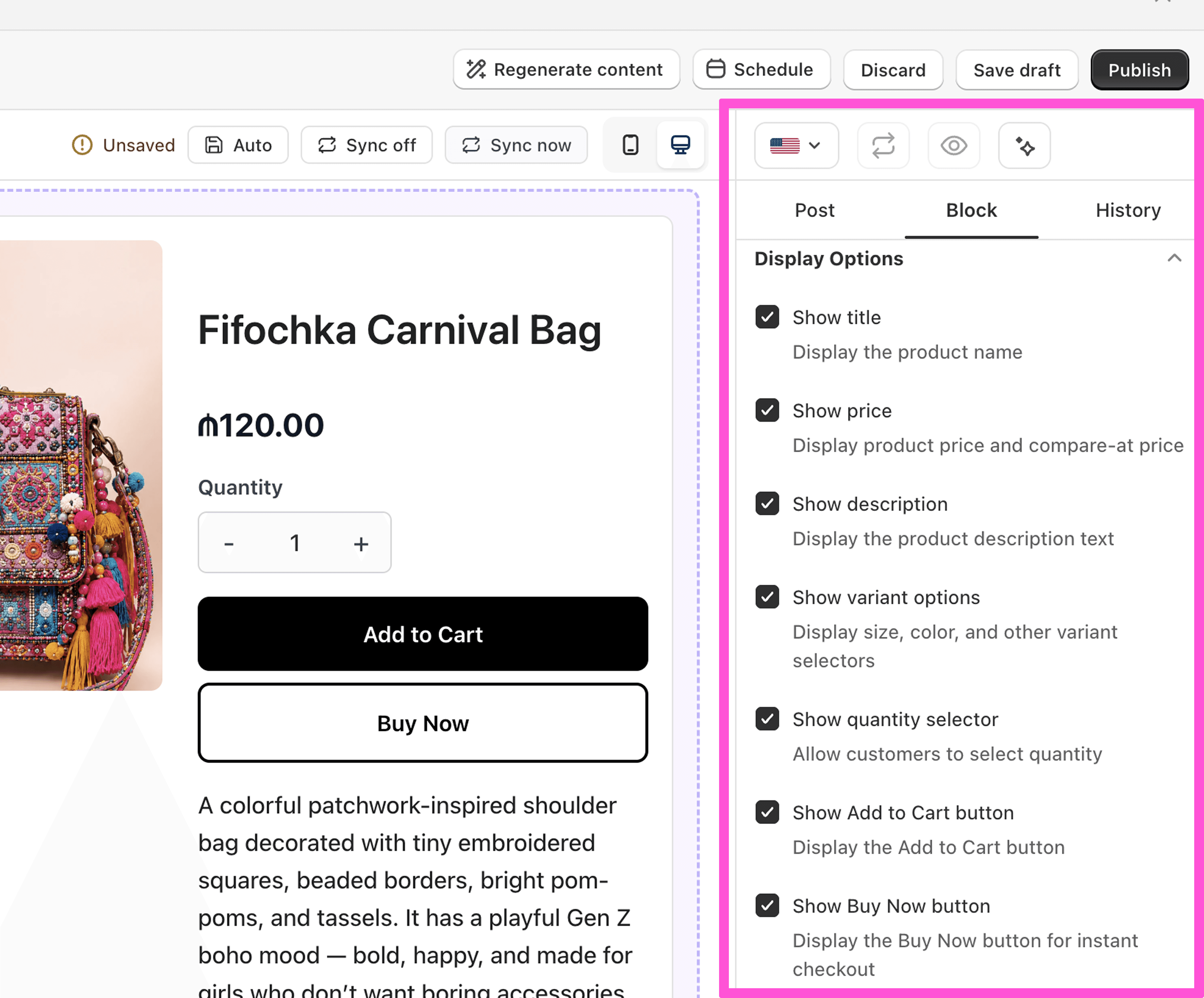
What you can customize
Product image, title, and price
Button text, like "View Product" or "Add to Cart"
For Product Details: size, color, quantity, and a Buy Now button
FAQ about product embeddings
What's the difference between Product Card and Product Details? Product Card is a compact preview with one button. Product Details shows full product info, like variants and quantity, right in your post. Learn more about e-commerce elements here
Can readers buy without leaving my blog? Yes. With Product Details, they can add to cart and check out from your post.