




How To's
/
How to embed Instagram posts to a blog post in Shopify?
How to embed Instagram posts to a blog post in Shopify?
Learn how to embed an Instagram post to a blog post in Shopify
3 min read
Beside e-commerce blocks, vevy.ai also lets you embed social media posts in your Shopify blog posts.
With the Instagram block, you can showcase your own posts, a related reel, or a customer's post about your product. Embed it once, and it shows right inside your blog.
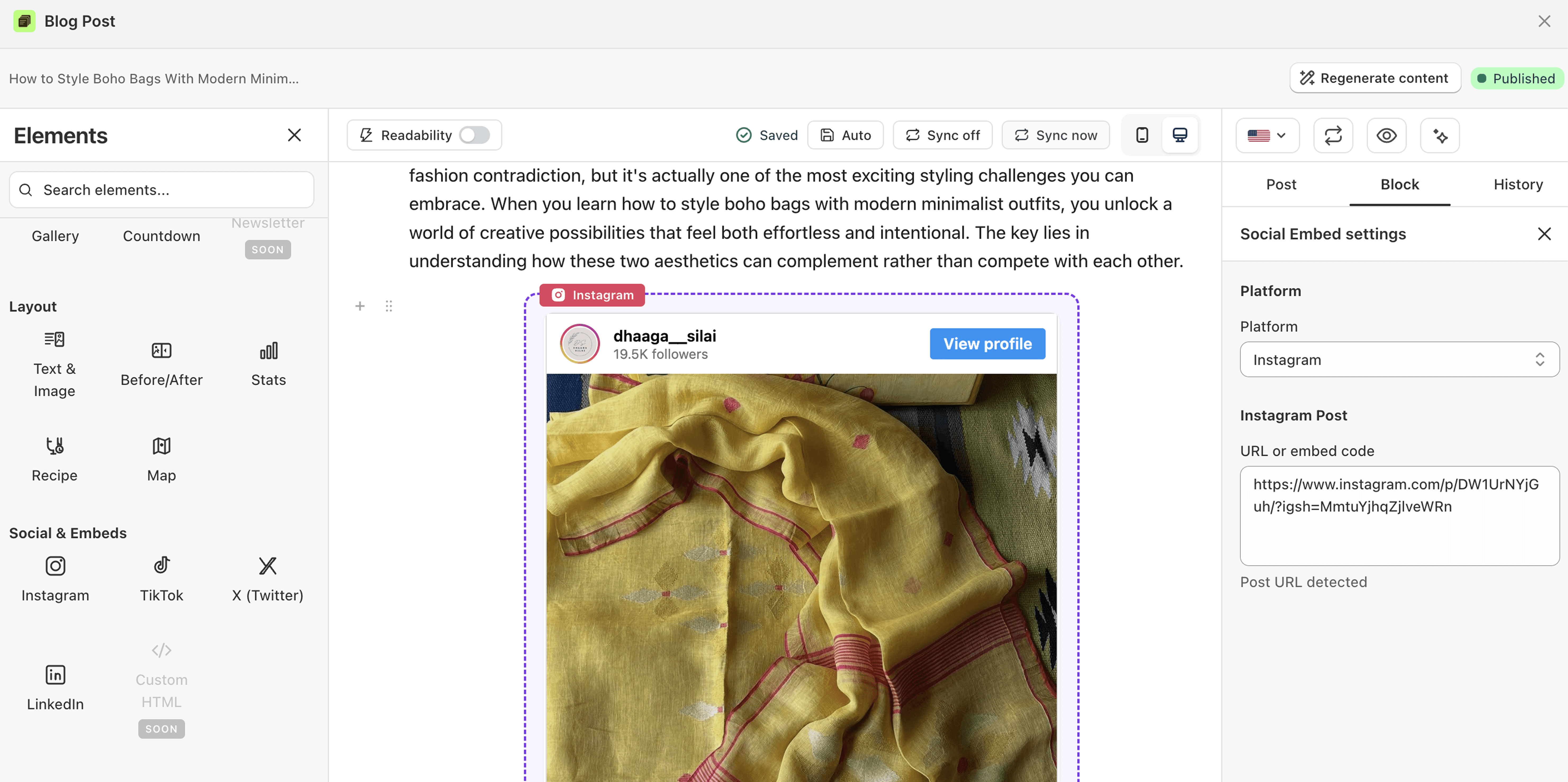
To embed an Instagram post to the posts made in Shopify's own blog editor, you just need to sync the post first on the vevy.ai's dashboard:

How to embed an Instagram post in a Shopify blog
Open your post in the Blog Builder.
In the Elements panel, scroll to Social & Embeds and find Instagram.
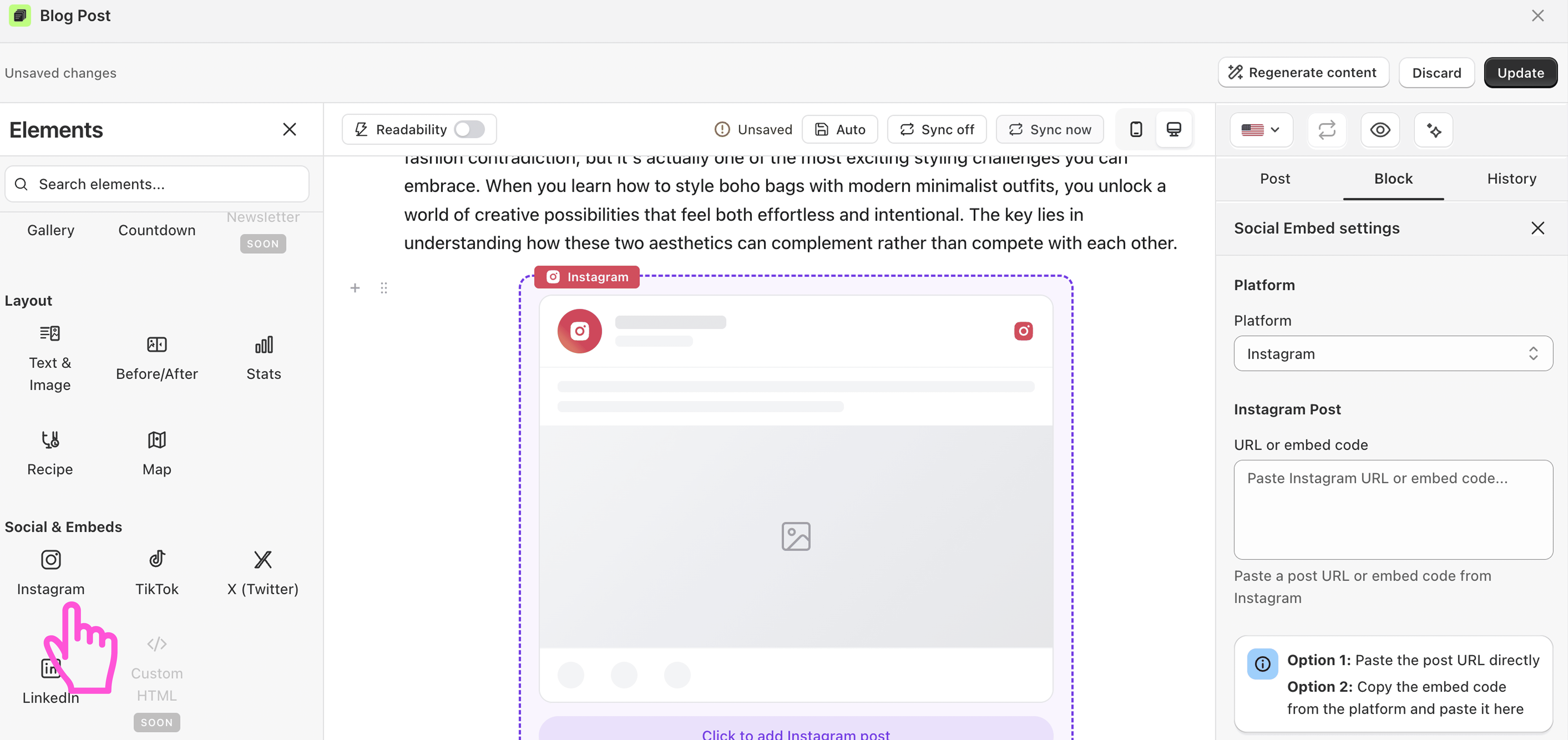
Drag the block into your post.
Click it to open its settings on the right.
Paste the Instagram post URL. Or copy the embed code from Instagram and paste it.

The post loads inside your blog.
Save or publish.
FAQ
Where do I find the Instagram post link? Open the post on Instagram, tap the menu, and copy the link or the embed code.
Can I embed reels too? Yes. Paste the reel's URL the same way.